What is the difference between Attio and HubSpot?
By Daniel Hull ·
The core difference is philosophy. HubSpot gives you a pre-built machine with fixed gears. Attio gives you the parts to build your own. Both can run your GTM operation, but they make fundamentally different assumptions about how your business works.
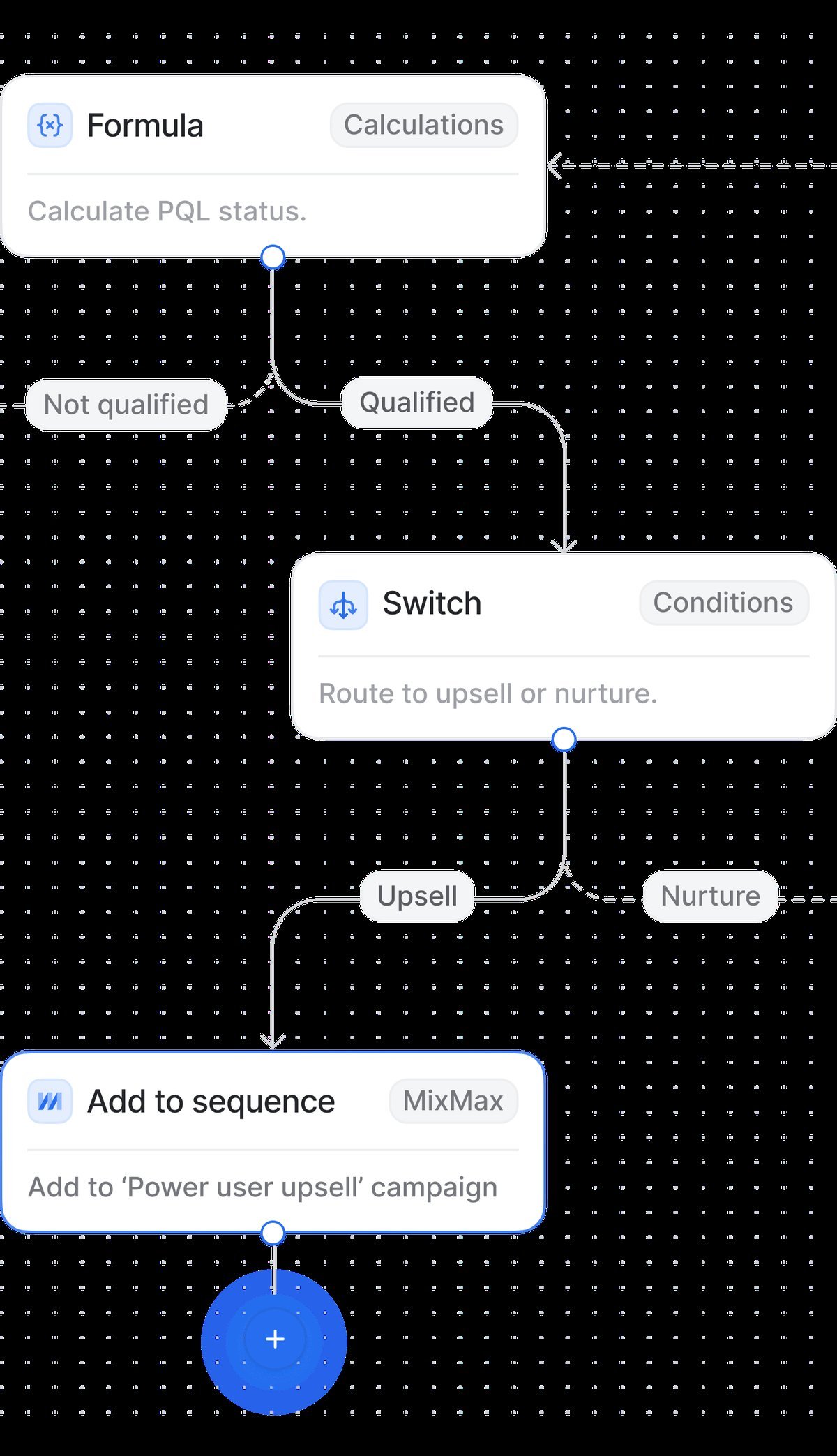 Attio's flexible workspace layout compared to HubSpot's structured navigation.
Data model flexibility
This is where the gap is widest. Attio lets you design your data model from scratch. You define objects, create relationship attributes between them, and build exactly the structure your business needs. A VC firm can model Funds, LPs, and Portfolio Companies as first-class objects. A recruiting agency can create Candidates, Roles, and Placements. The data model bends to match your operations.
HubSpot has custom objects too, but they arrived later and feel bolted on. The platform was built around Contacts, Companies, Deals, and Tickets. Those four objects have deeper integration with HubSpot's tools than any custom object you create. You can extend the system, but you are always working within boundaries that were drawn for a marketing-and-sales use case.
In my experience, this matters most when your business does not fit a standard SaaS sales funnel. If you sell through partnerships, manage investments, or run a multi-sided marketplace, Attio's data model will feel natural. HubSpot will require workarounds.
Pricing and value
HubSpot's free tier is genuinely generous. You get a functional CRM with contact management, deal tracking, and basic email tools at no cost. The problem is what happens next. As you need features like custom reporting, workflow automation, or removing HubSpot branding, you jump to paid tiers that scale steeply. A growing team can easily spend $1,000 to $3,000 per month on HubSpot's Sales Hub and Marketing Hub combined.
Attio's pricing is simpler and more predictable. The Plus plan covers most of what growing teams need, including custom objects, automations, and reporting. You are not paying for a bundle of hubs where you only use half the features. For teams under 50 people, Attio typically costs 40 to 70 percent less than a comparable HubSpot setup.
The hidden cost with HubSpot is the consulting and configuration work. I have seen companies spend thousands on HubSpot consultants just to customize what Attio lets you configure yourself. When I help clients evaluate the best CRM for their startup, total cost of ownership usually favors Attio for teams that want flexibility without a large ops team.
Custom objects and attributes
Both platforms support custom objects, but the experience is different. In Attio, custom objects are peers to the built-in Companies and People objects. They get the same treatment: full attribute support, relationship linking, pipeline views, list views, and reporting. When you create a custom object in Attio, it feels native because the platform was designed around the concept.
HubSpot custom objects require an Enterprise subscription for full functionality. On lower tiers, you get limited custom objects with restrictions on associations and reporting. Even on Enterprise, custom objects do not integrate as deeply with tools like sequences, workflows, and dashboards as the standard objects do.
Where this plays out practically: if you need a custom object for Projects, Subscriptions, or any entity beyond the standard CRM set, Attio gives you that on every paid plan. HubSpot gates it behind their highest tier.
API and integrations
HubSpot has one of the largest integration ecosystems in the CRM space. Hundreds of native integrations, a mature app marketplace, and an API that has been around for over a decade. If you need to connect to a specific marketing tool, event platform, or niche industry app, HubSpot probably has a pre-built connector.
Attio's API is newer but exceptionally well-designed. It is a true REST API with consistent patterns, strong documentation, and real-time webhook support. For teams that build custom integrations, I find Attio's API faster to work with. You can build a complete GTM engine with Attio's API and a few webhooks in a fraction of the time it takes with HubSpot's more complex API surface.
The tradeoff is clear: HubSpot wins on breadth of pre-built integrations. Attio wins on API quality and developer experience. If your team has engineering resources and wants to build exactly what you need, Attio's API is a strength. If you want plug-and-play connections to dozens of tools without writing code, HubSpot has the edge.
Automation and workflows
HubSpot's workflow builder is mature. It handles lead nurturing, deal stage automation, task creation, internal notifications, and multi-step sequences. The visual builder is approachable for non-technical users, and the branching logic covers most scenarios.
Attio's workflow engine is younger but capable. It supports triggers on record creation, attribute changes, and stage transitions. You can automate deal routing, send Slack notifications, update attributes, and trigger external webhooks. The automations I build for clients cover 90 percent of what they were doing in HubSpot, often with less complexity.
Where HubSpot still leads: multi-channel marketing automation. If you need to orchestrate email campaigns, ad retargeting, social posting, and lead scoring in a single workflow, HubSpot's Marketing Hub is purpose-built for that. Attio is a CRM first, not a marketing platform.
Reporting and analytics
HubSpot's reporting is extensive. Custom dashboards, attribution reporting, revenue analytics, and funnel visualization are all available. The reports are polished and the dashboard builder offers dozens of chart types. For marketing-heavy teams, the attribution and campaign analytics are particularly strong.
Attio's reporting is focused on operational metrics. Pipeline reports, deal velocity, activity tracking, and custom attribute analysis. The reports are clean and actionable. What I appreciate about Attio's approach is that reports work natively with custom objects and relationship attributes. If you have a custom Pipeline object linked to Companies and People, you can report on it without any special configuration.
The gap: HubSpot offers more visualization options and deeper marketing analytics. Attio offers simpler, faster reporting that works equally well across standard and custom objects. Most of my clients care more about pipeline visibility and deal tracking than marketing attribution, which makes Attio's reporting sufficient.
User experience and learning curve
This is subjective, but it matters. HubSpot is feature-rich, which means the interface is dense. New users face a learning curve navigating between Marketing Hub, Sales Hub, Service Hub, and CMS Hub. The settings alone span dozens of pages. For teams with a dedicated admin, this is manageable. For lean teams, it can be overwhelming.
Attio feels modern and minimal. The interface is fast, the navigation is flat, and you can find what you need without clicking through layers of menus. I find that teams adopt Attio faster, especially when the workspace is designed well. New reps are productive in days rather than weeks.
The design philosophy extends to configuration. In HubSpot, setting up a new pipeline involves multiple settings pages, property creation, and automation setup across different sections. In Attio, you build a pipeline view directly on the object, add stages, and start working. The distance between "I want this" and "it's done" is shorter.
When to choose HubSpot
HubSpot is the right choice when your primary need is marketing automation with CRM attached. If you run complex email campaigns, need attribution reporting, manage a content marketing operation, and want everything in one platform, HubSpot's all-in-one approach works well. It is also the right choice for larger organizations that need an established ecosystem with extensive pre-built integrations and a large talent pool of certified administrators.
Companies with 200-plus employees, dedicated revenue operations teams, and complex marketing funnels get the most value from HubSpot. If you have already invested heavily in HubSpot's ecosystem and your team is productive, switching may not be worth the disruption.
When to choose Attio
Attio is the right choice when your business does not fit a standard template. Startups, VC firms, agencies, and any team that needs a CRM molded to their specific workflow will find Attio more productive. I recommend Attio for teams that value data model flexibility, clean UI, and fast iteration over feature breadth.
If you are migrating from HubSpot, the move typically makes sense when you are paying for features you do not use, struggling with custom object limitations, or finding that HubSpot's complexity is slowing your team down.
The pattern I see most often: a company starts on HubSpot, grows into its constraints, and moves to Attio when they need a CRM that matches how they actually work rather than how a template says they should work. That transition is increasingly common in 2026 as more teams realize that flexibility and speed matter more than feature checklists.